

Building an Autonomous PR-Review Bot with a Spec-Driven AI Workflow
A project from TovTech's Practical AI program, by participant Michael Moshe.
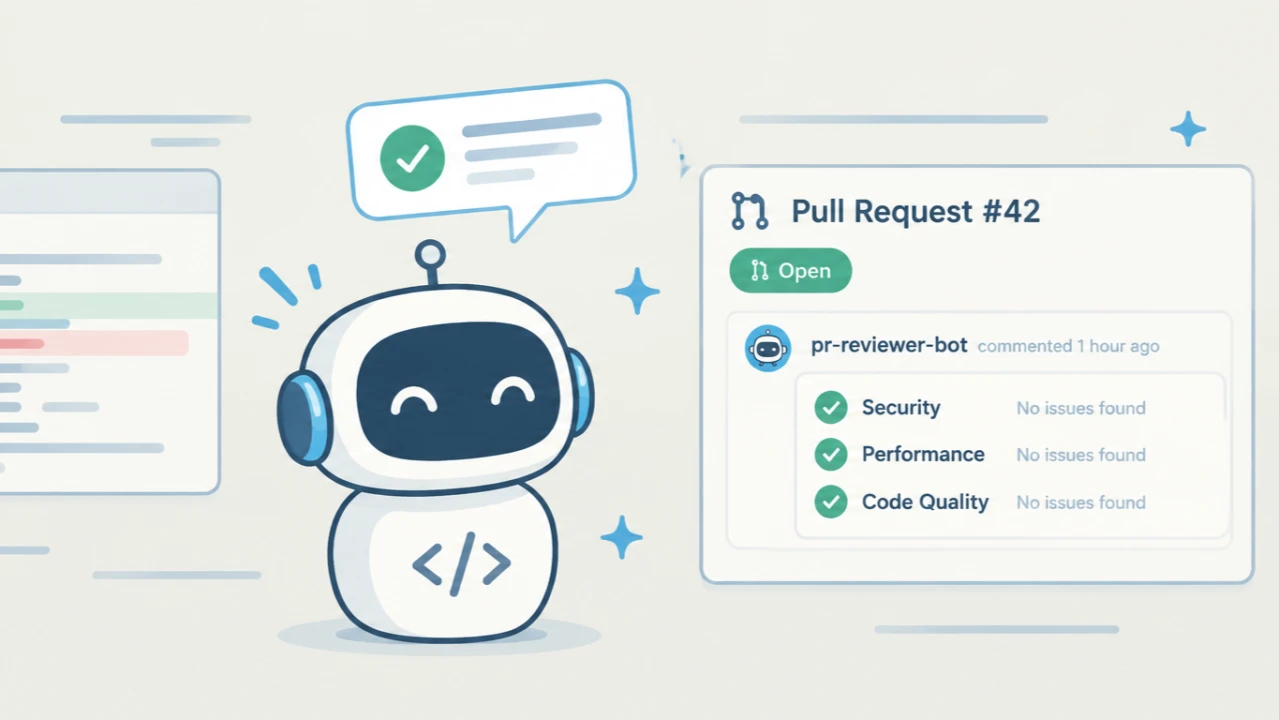
Michael Moshe, a participant in TovTech's Practical AI program, built a bot that reviews code automatically. Every time someone opens or updates a pull request on GitHub, three AI reviewers check the change in parallel: one for security, one for performance and one for code quality. The bot then posts a single combined comment on the pull request. He also built a setup wizard so that people who aren't developers can run their own copy.
Both projects are open source under the MIT license, and you can try the live demo without signing up.
Why build it
On most teams, pull requests arrive faster than people can review them carefully. Human reviewers are the right people for judgment calls. Much of what slows a review down, though, is mechanical: a password left in a log line, a database query running inside a loop, or the same code copied into a third file. An automated first pass catches these every time, so reviewers can focus on the decisions that need a person.
The existing options were either a single generic AI prompt that gives shallow feedback, or a heavy paid platform built for large companies. Running your own tool was hard too: you needed a GitHub App, a database, an AI provider key and a server, each with its own dashboard. That second problem is why this became two projects instead of one.
What it does
For the person who wrote the code, nothing changes. They open a pull request as usual, and within seconds a comment appears. The target was 15 seconds; the measured average is 6.5. The comment has three short sections, and each finding names the file and line, explains the issue in plain language and suggests a fix. When a new commit is pushed, the bot updates the same comment instead of adding another one. If one of the three reviewers fails, its section says so openly instead of quietly disappearing.
For someone who wants the bot on their own repository, the wizard walks them through each service step by step: hosting on Render, creating the GitHub App, setting up the database, choosing an AI provider and adding uptime monitoring. It checks every credential against the real service as it is entered, then deploys everything with one click.
How it works
GitHub expects a reply to its notification within about ten seconds, but an AI review can take longer. So the part that receives the notification does very little: it confirms the request really came from GitHub, adds a job to a queue in a Postgres database and replies straight away. A separate background worker processes the queue. That separation also makes it possible to retry failed calls and slow down when an AI provider hits its rate limit.
Three design choices shaped the system:
- Same structure for every reviewer. The security, performance and code-quality reviewers share one interface. Each has its own instructions and its own expected answer format. The code that runs them and merges the results doesn't need to know what any of them is checking.
- Interchangeable AI providers. The bot can run on Google Vertex AI, Gemini or Groq, and the provider can be switched through a database setting without redeploying. AI models don't always return well-formed data, so every answer is checked against the expected format. If an answer doesn't fit, the bot asks once for a corrected version. If that fails too, the reviewer is marked as failed rather than posting a broken result.
- AI only where judgment is needed. Security checks, removing duplicates, queueing, retries and formatting the comment are all ordinary, tested code. The AI is only asked what is wrong with the code change.
One detail prevents a common AI mistake: pointing at a line number that doesn't exist. Before the code change reaches a reviewer, every line is labeled with its real line number. The model copies a number it can see instead of working one out.
How it was built
Michael worked in a fixed order: write a specification, turn it into a plan, build in small pieces that can each be reviewed, and document as he went. The first prototype ran the full path from end to end with just one hard-coded reviewer. The other two reviewers, the provider switching and the answer checking came after. Before writing code against any outside service (GitHub, the AI providers, and later Render and Supabase for the wizard), he confirmed how that service actually behaves.
Claude, Anthropic's AI model, wrote most of the code and tests and advised on each technical decision. Michael made and owned the decisions: the architecture, splitting the work into two projects, the choice of hosting, and hands-on testing of the live system.
What went wrong, and what changed because of it
The most useful failures were about handling secrets such as passwords and API keys, not about the AI. Early on, a debugging command meant to check one setting printed a live cloud credential into a session log. The key was replaced right away. The lasting fix was a structural one, not a reminder to be more careful. One automated check now stops the AI assistant from opening the secrets file. A second check removes secret values from any command output before the assistant sees it. The rule that came out of it: to confirm a secret was saved correctly, check its length or a fingerprint (a hash), never the value itself.
A second lesson was about reviews. A missing permission setting had been copied straight from the plan's own example code. Every task-level review passed it, because those reviews only checked whether the work matched the plan. It was caught only by a final review that was explicitly told to doubt the plan itself.
Results so far
The system runs live, but only on test pull requests so far:
- 5 reviews across 3 test pull requests, all opened by Michael
- 6.5 seconds average review time
- About $0.003 to $0.011 in AI cost per priced review. At 20 pull requests a day that is roughly $4–5 a month.
- Docker image reduced from 541 MB to 384 MB by removing a single command that was quietly copying the whole Python environment into an extra layer
Michael is careful about what hasn't been measured yet: how accurate the findings are against real bugs, and how the system behaves under heavy use. Measuring review quality on a real set of pull requests is his next step.
Lessons worth keeping
- Shared data needs one owner. The bot and the wizard share a database across two code repositories. An unclear split of who fills which column left 18 of 22 columns empty on new installations. Now one repository owns the database structure, and an automated check confirms the two repositories still agree.
- Never display a secret to check it. Check its length or a fingerprint (a hash) instead.
- Checking that work matches the plan doesn't catch mistakes in the plan. Include a review that questions the plan from the start.
- Watch for names your hosting platform reserves. One custom setting had the same name as a value Render sets automatically. The platform's value silently won, with no error anywhere.
- Turn every failure into a permanent safeguard. A hook, a test or a CI check holds up better than a note someone might skip.
Explore the project
Thanks to Raz Hadas and Sean Grace for development pairing, reviews and feedback throughout the project.
This project was built in TovTech's Practical AI program, where participants learn by building real AI-powered applications. Follow TovTech on LinkedIn for more.